
Guide
MovieBox vs MovieBox Pro: What Is Actually Different
MovieBox and MovieBox Pro share a name and a library, but they are not the same product. Here is what is actually different.

On this page
Same Name, Different Products
MovieBox and MovieBox Pro are names visitors search for together, and the confusion is honest: they share a name, a library style, and a history. But they are not the same product. The Android file on this site identifies itself as MovieBox, package com.community.mbox.ng, and it is not labelled as a MovieBox Pro release. Match the product and the file before you install anything.
What MovieBox Is
MovieBox is the free Android app this site covers: movies, TV shows, anime, live sports and novels in one player, with no account needed to watch and no subscription to start. You install it from an APK file, you open it, and you press play. The download MovieBox page on this site lists the file details for this app and nothing else.
What MovieBox Pro Adds
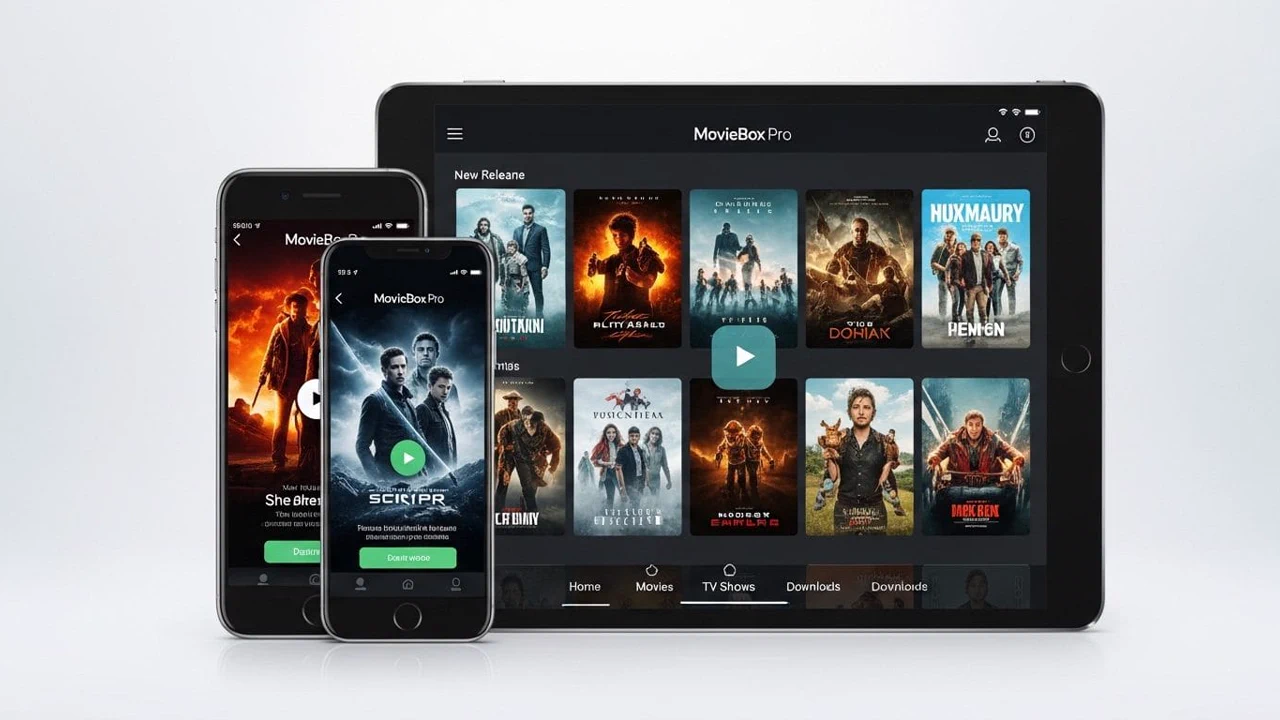
MovieBox Pro is the wider service around the same idea, with platform-specific clients and account options. It covers iPhone, Windows and Mac as well as Android, and it offers Free and VIP tiers with account access, sign-in and invitation codes for some features. A Pro membership is separate from installing the Android APK, and installing the APK does not activate a Pro account.
The practical difference is simple. If you want the free Android app, you want MovieBox. If you want the account-based service across Apple and desktop devices, that is the Pro side, with its own sign-in and its own requirements.
Which One Should You Pick
Pick by device and by habit. On an Android phone or TV stick, MovieBox is the direct answer: free, no account, install and watch. If you already use the Pro service on an iPhone or a computer, keep using its own clients and its own account, and do not expect the Android APK to carry your Pro access with it.
Before either choice, check the package name of any file you install. The safety checks guide shows the three checks that matter, and the package name is the first of them.
The price question, answered plainly
The question everyone asks about MovieBox Pro is what it costs, and the honest answer is to check inside the app itself. The VIP tier is an optional in-app purchase, and its price is shown on the upgrade screen in the app, in your own currency, at the moment you look. Any price quoted on a website, including this one, can be out of date the day after it is written, so the app is the only source worth trusting.
Two rules keep the purchase safe. First, pay only inside the app, through the store checkout it shows you: a payment link sent by message, a code bought from a stranger, or a cheap VIP offer outside the app is not a bargain, it is a trap. Second, try the free app properly first. A week of real watching tells you whether the VIP extras matter to you at all, and a purchase made after a week of use is a decision, while a purchase made on day one is a guess.
Conclusion
One name, two products: MovieBox is the free Android app, MovieBox Pro is the account-based service around it. Know which one you are installing, check the package name, and the confusion disappears.
Quick Answers
Is MovieBox the same as MovieBox Pro?
No. They share a name and a style, but MovieBox is the free Android app and MovieBox Pro is the wider account-based service.
Does installing MovieBox activate a Pro account?
No. Installing the Android APK does not activate any Pro membership. Pro access uses its own account and sign-in.
Which package name belongs to MovieBox?
The Android app on this site is package com.community.mbox.ng. Check it in Settings, then Apps, then MovieBox.
Can I use MovieBox on an iPhone?
Not as an APK: an APK cannot install on iOS. Apple devices use the platform-specific options of the service.