
Before You Download
The MovieBox APK file is linked on this page. The download button appears after the short countdown above. This page carries the verified details of the file so you can check them before you fetch it: MovieBox v4.0.03.1028.03, 61.36 MB, package com.community.mbox.ng, Entertainment, free, for Android.
MovieBox is free and needs no account to start watching. It runs on Android phones and tablets, and it sideloads onto Android TV and Firestick with the same file. An APK cannot install on iPhone or iPad.
Installing After the Download
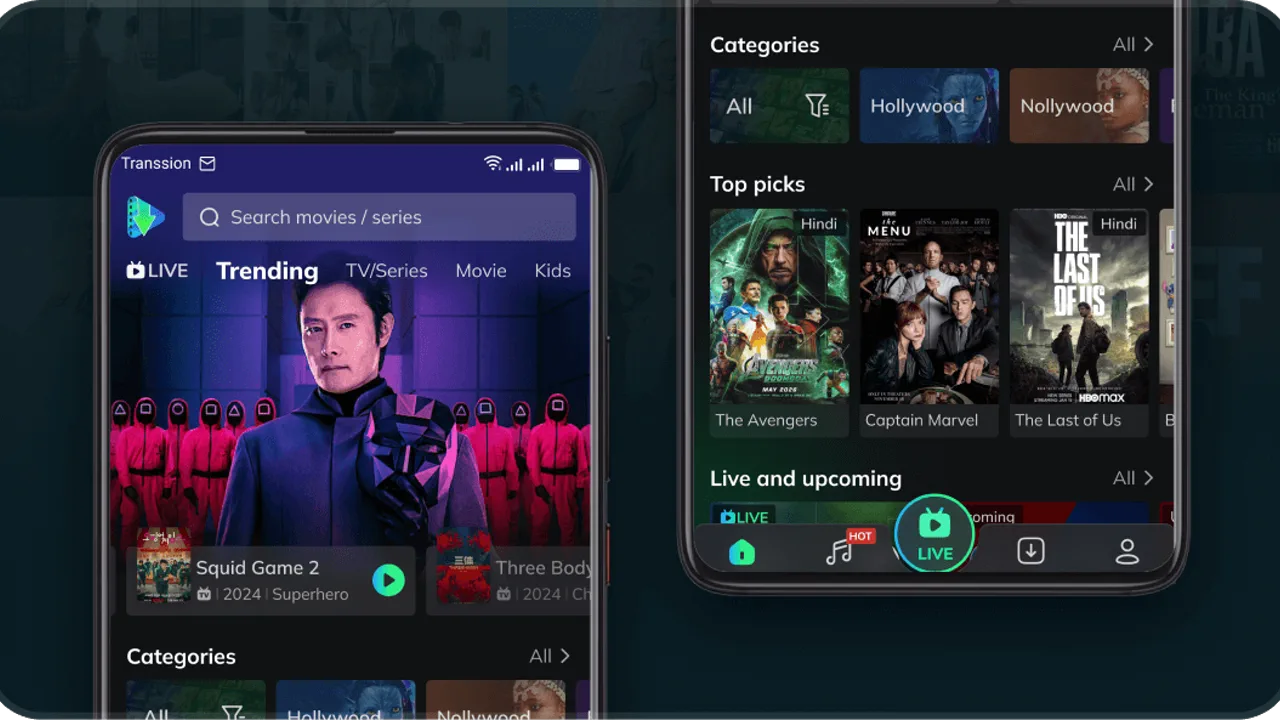
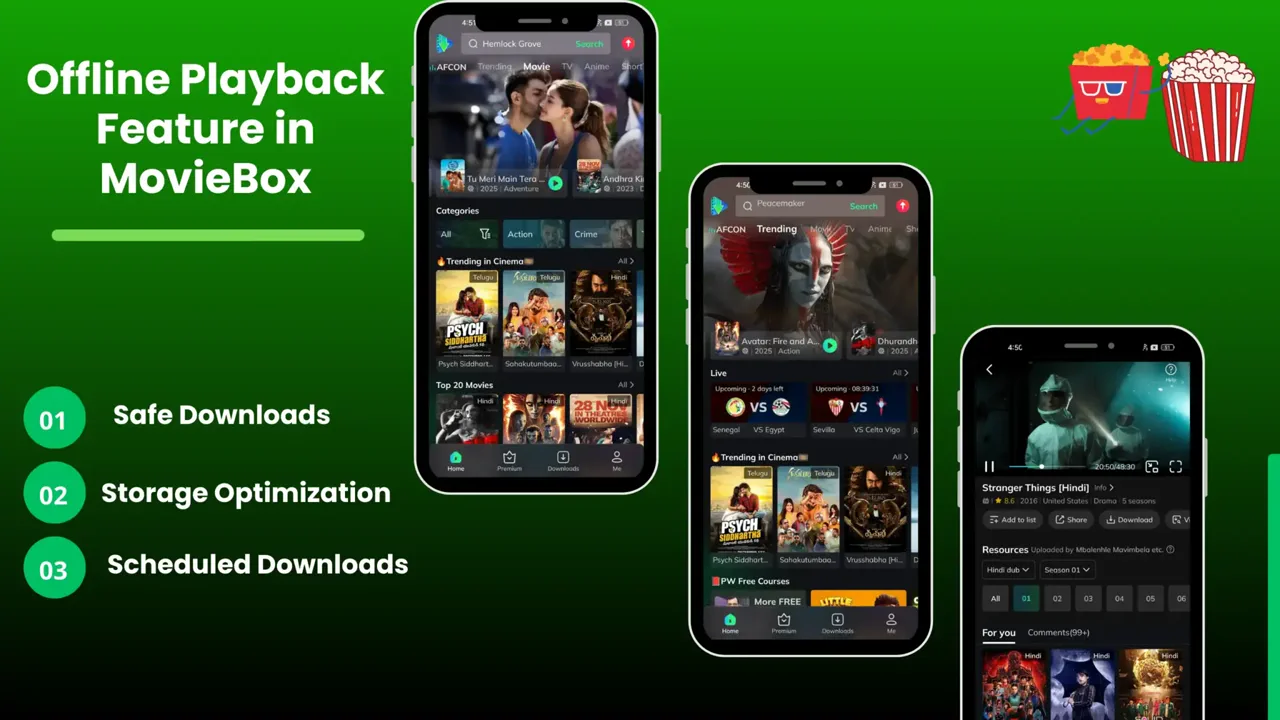
When the file is downloaded, tap it and allow your browser to install apps for this one file when Android asks. Open MovieBox, pick a title from the trending rows, and press play. Then go back to Settings and switch the install permission off again.
Keep MovieBox Updated
MovieBox does not update itself, because it is not on the Play Store. Check this page when a new update is announced, compare the package name with the app you already have, and install the matching file over it. Never uninstall first: an update installed over the old app keeps your downloads, watchlist and settings exactly where they were.