
Guide
Build a Watchlist in MovieBox and Never Lose a Title
The MovieBox watchlist: add titles as you find them, keep the list tidy, and never lose a recommendation again.

On this page
Add Titles as You Find Them
A recommendation lasts about ten seconds in the memory, and the watchlist is the answer. In the MovieBox for Android app, open any title page and tap Add to list. The title waits there until you are ready, whether that is tonight or next month.
Add titles the moment you hear about them: a friend's suggestion, a poster in the trending rows, a drama mentioned in a guide. The list is the difference between watching it and forgetting it.
Find Your List and Use It
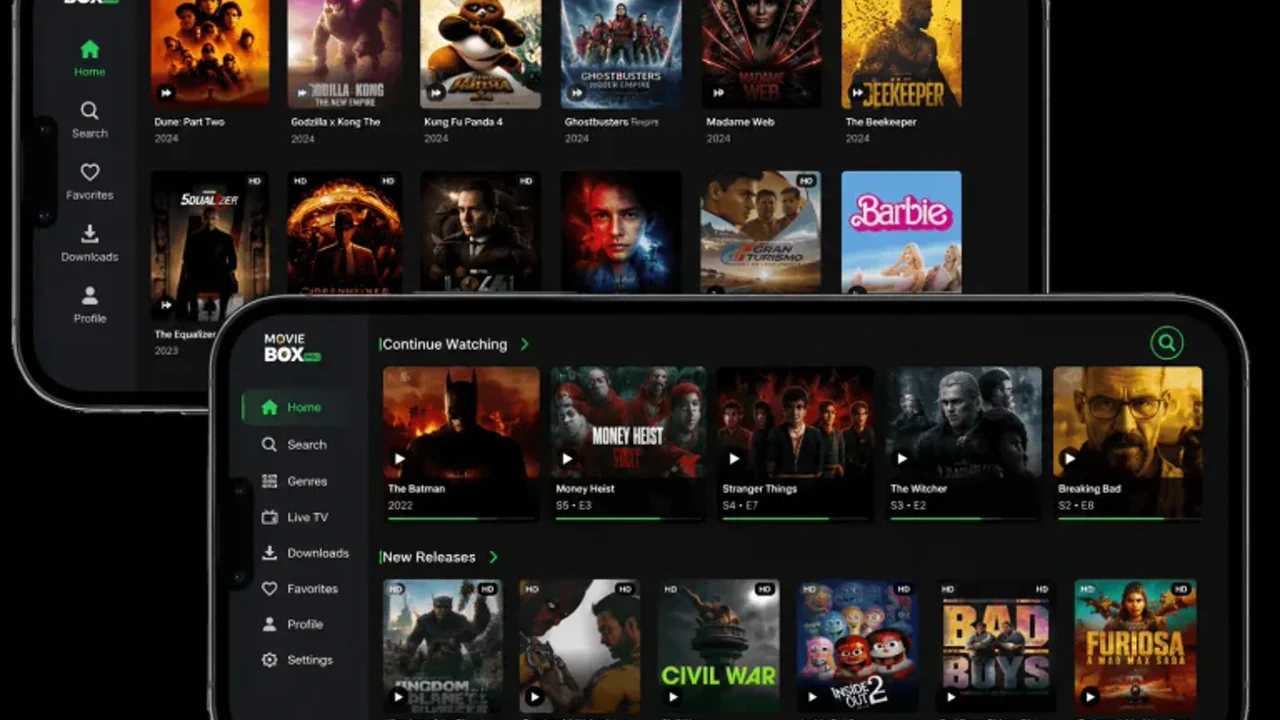
Your list lives with your profile, a tap away from the home screen. Open it and the titles sit in the order you added them, with their posters and ratings, so picking tonight's film is a scroll rather than a search.
When you finish a title, remove it from the list. A list that only grows becomes a second library, and a list you prune stays a pleasure to open.
Lists, Downloads and Updates
A watchlist entry is a bookmark, not a download: it points at the title, it does not save it. To watch offline, download the title separately from its page, as the offline downloads guide explains.
And a watchlist is the one thing an update must not touch: install updates over the old app, and the list survives with everything else. The search tips guide shows how to find a title again if it ever slips off the list.
Use the List to Plan the Week
A watchlist works best when it plans the week, not the month. On a quiet evening, open the list and pick the next three titles: one film for tonight, one series to start, and one backup for a night when nothing else appeals. Three picks are enough to end the nightly scroll, and a list of three is short enough to finish.
When the three are done, pick three more. The list stays alive this way, and the titles on it are always the ones you actually want to watch next, instead of a museum of things you meant to watch a year ago.
A watchlist that survives a new phone
A watchlist is only as good as its backup, and a list that lives only inside the app dies with the phone. Before you switch phones, open the watchlist and take a screenshot of it, or write the titles down in a note. It takes two minutes, and it saves the list you spent months building. Screenshots are unfashionable and they work: a photo of a list is a list.
After the move, rebuild the list from the screenshot in one sitting, adding titles in the order you want to watch them. The rebuild is also a tidy: titles you added a year ago and never watched get left behind, and the list that arrives on the new phone is shorter and better than the one that left the old phone. A watchlist that survives a move is a watchlist worth keeping.
Conclusion
Add the moment you hear about it, prune the moment you finish it. A watchlist kept that way is a short list of good evenings, not a graveyard of good intentions.
Quick Answers
How do I add a title to my list?
Open the title page and tap Add to list. It waits there until you are ready.
Where is my watchlist?
With your profile, a tap away from the home screen. Titles sit in the order you added them.
Does the watchlist download titles?
No. It bookmarks them. Download a title separately from its page to watch it offline.
Will an update wipe my watchlist?
Not if the update installs over the old app. Never uninstall to update.