
Guide
Save Mobile Data While Streaming MovieBox
Stream MovieBox on mobile data without burning the month's allowance: quality, downloads on Wi-Fi, and the habits that help.

On this page
Why Mobile Data Disappears So Fast
A single 1080p film on mobile data can eat a noticeable share of a monthly allowance, and 4K can eat it whole. The download MovieBox page carries the app, and this guide covers how to use it without the data bill that follows a careless evening.
The good news is that every data-saving habit in MovieBox is a setting you already have: quality, downloads, and a little planning.
Habit 1 and 2: Quality and Wi-Fi Downloads
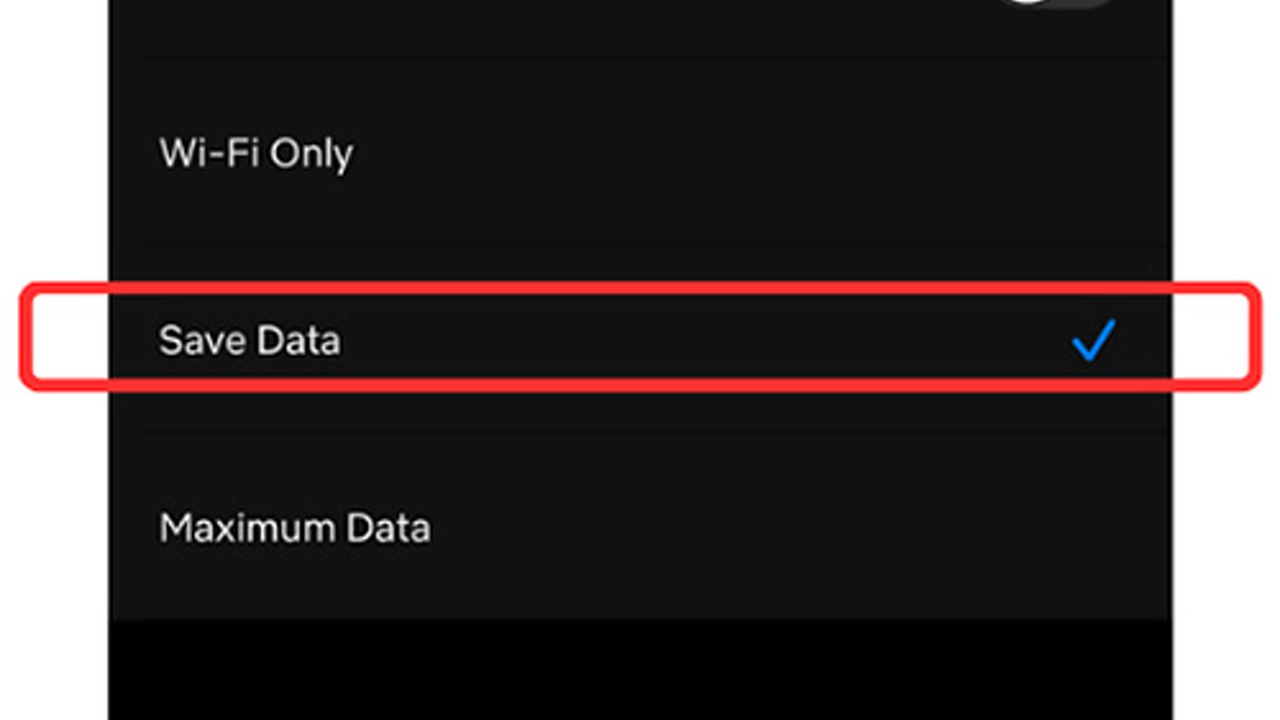
Drop to 720p on mobile data. It looks good on a phone screen and uses far less data than 1080p. On a weak signal, 360p keeps playing where higher qualities stall and retry, which wastes data twice.
Download on Wi-Fi, watch on data. Download titles at home on Wi-Fi, then watch them offline anywhere. A downloaded film uses no mobile data at all, and the offline downloads guide walks through it.
Habit 3 and 4: Plan and Check
Plan the evening. Pick the night's titles before you leave Wi-Fi, download them, and the mobile data stays untouched all evening.
Check the quality before you press play. The player remembers the last quality you used, which may be the 4K you picked on home Wi-Fi. One glance at the quality control before you start saves the whole film's worth of data. The quality guide explains which step fits which connection.
A Data Check Before a Long Trip
Before a journey, run a short check on Wi-Fi: download the titles for the trip, confirm the quality is set to 720p for anything you will stream, and look at the storage the downloads will take. A phone that leaves home with its films already saved uses no mobile data on the road at all, and the only data spent is the small amount the app uses to open a title page.
On the trip itself, resist the urge to stream in 4K on a train signal. A downloaded 720p film on a phone screen looks the same as it did at home, and it never pauses for a tunnel. The habit is the same as at home: downloads first, streaming second, and a glance at the quality control before every play.
The data budget for a month
A data plan lasts the month when it has a budget, and the budget is easier than it looks. Decide how many hours of streaming the plan can carry, then divide by the days left in the month. Two hours a day at standard quality is a generous budget on most plans; two hours a day at the highest quality is not, and the difference is invisible on a phone screen. Write the daily number down and check the usage once a week in the phone settings.
When the week is over budget, do not stop watching: switch to downloads. Download the week's films on Wi-Fi, watch them on mobile data for free, and the budget resets without a lecture. The trick is downloading before the budget runs out, not after: a download on Wi-Fi on Sunday is a film watched free all week, while a download on mobile data on Wednesday is the budget gone in an afternoon.
Conclusion
720p on data, downloads on Wi-Fi, and a glance at the quality control before you press play: three habits, and MovieBox stops eating the month's allowance.
Quick Answers
How much data does MovieBox use?
It depends on quality. 720p uses far less than 1080p, and 4K uses the most by a wide margin.
Can I watch MovieBox without mobile data?
Yes. Download titles on Wi-Fi first, then watch them offline with no data use at all.
What quality should I use on mobile data?
720p by default, 360p on a weak signal. Both look good on a phone screen.
Does the player remember my quality?
Yes. Check the quality control before you press play, in case it is still set to the 4K you picked on Wi-Fi.